Airstash A02 Disassembly / Teardown / Repair Photos
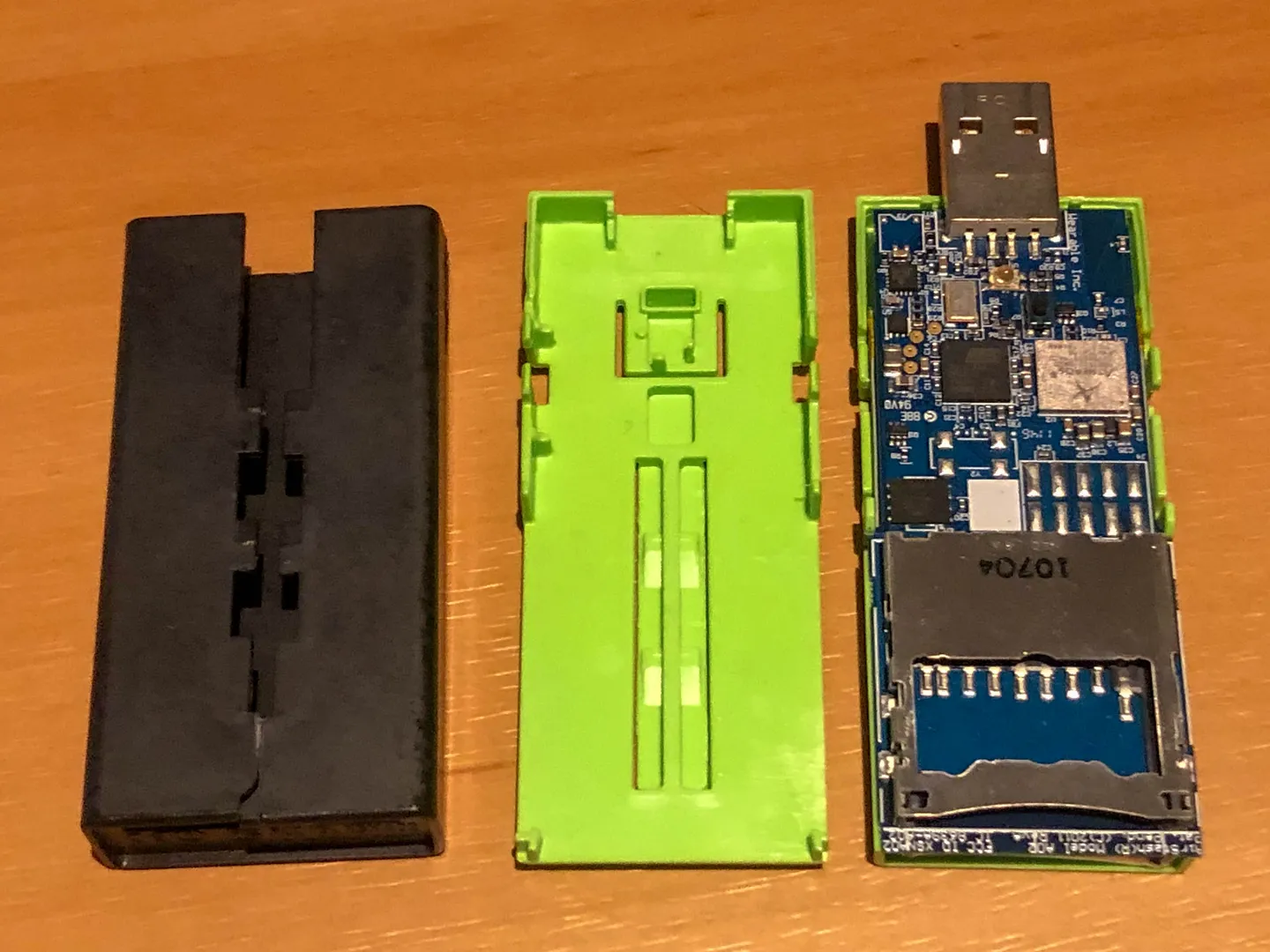
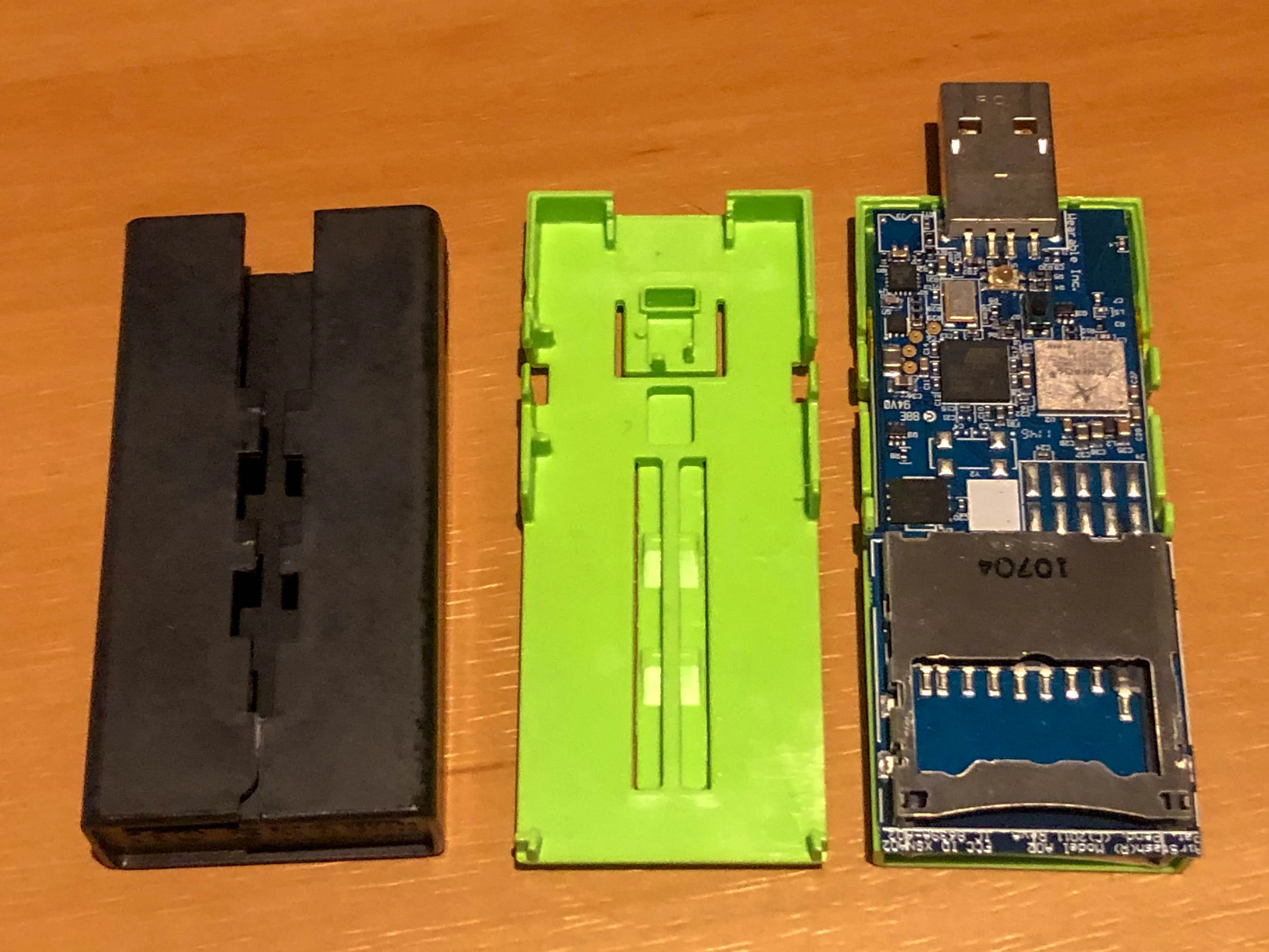
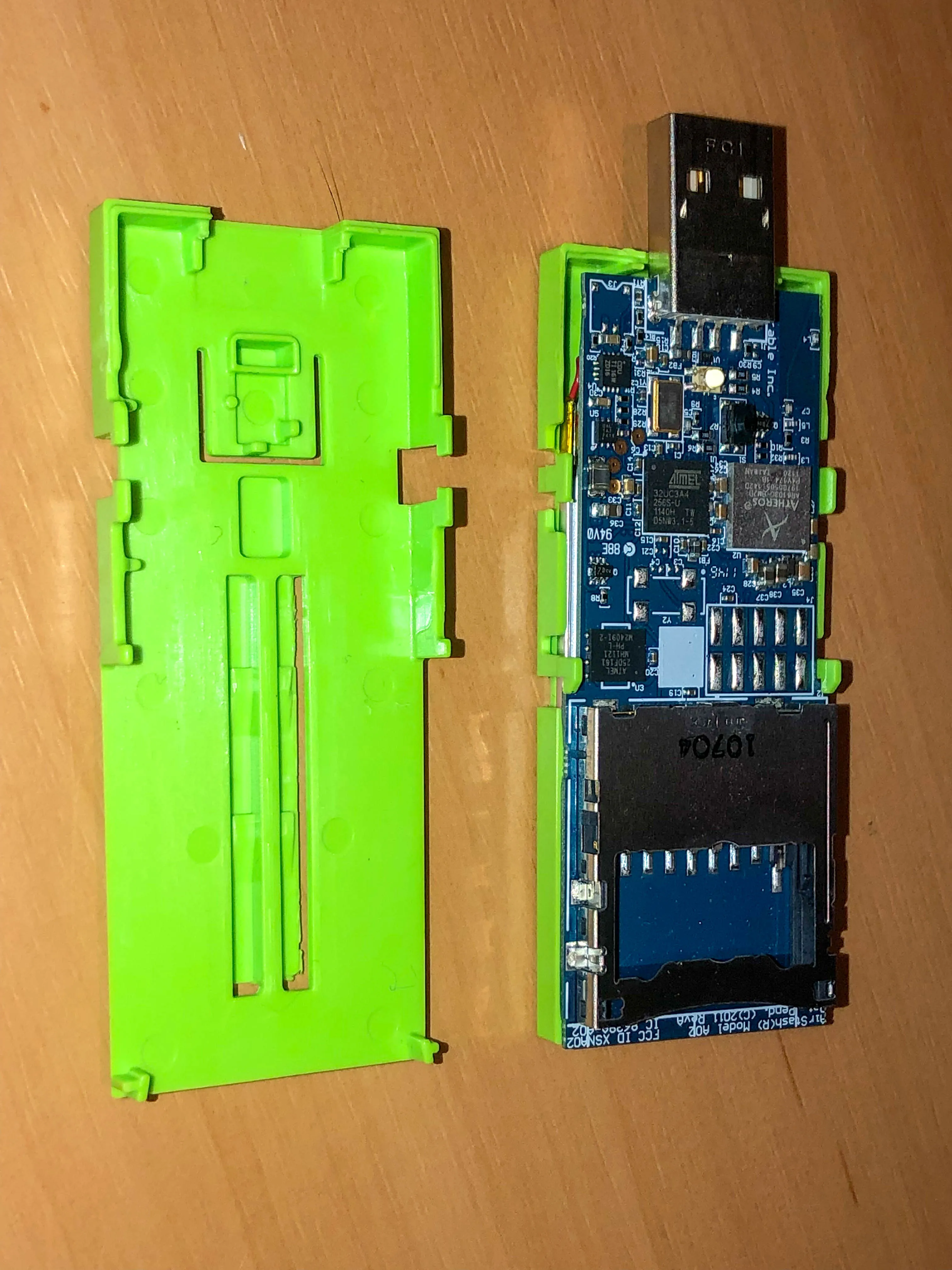
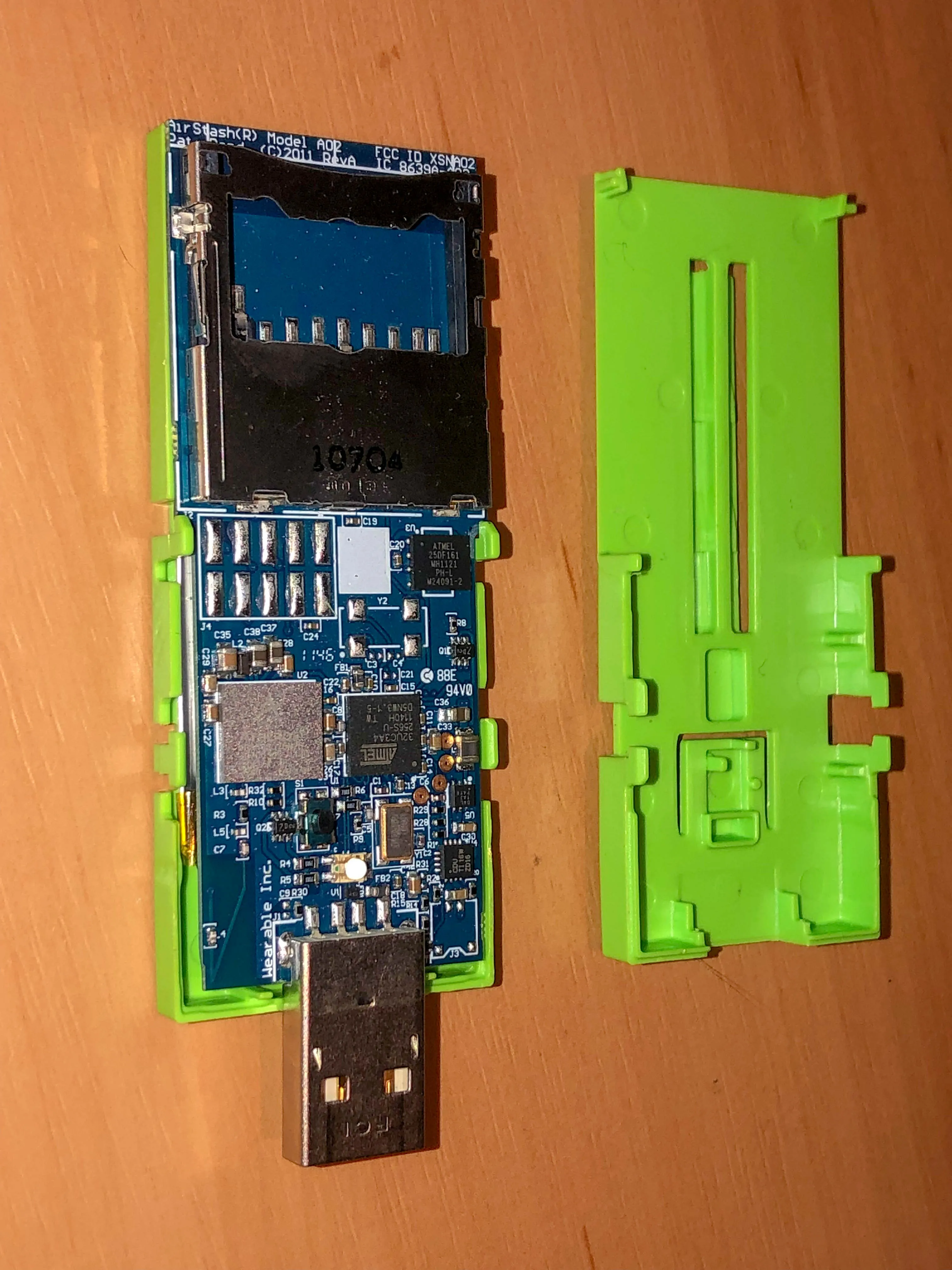
Internal photos of Maxell Airstash Model A02 Wifi SD Card Reader. How to open the device for repair.
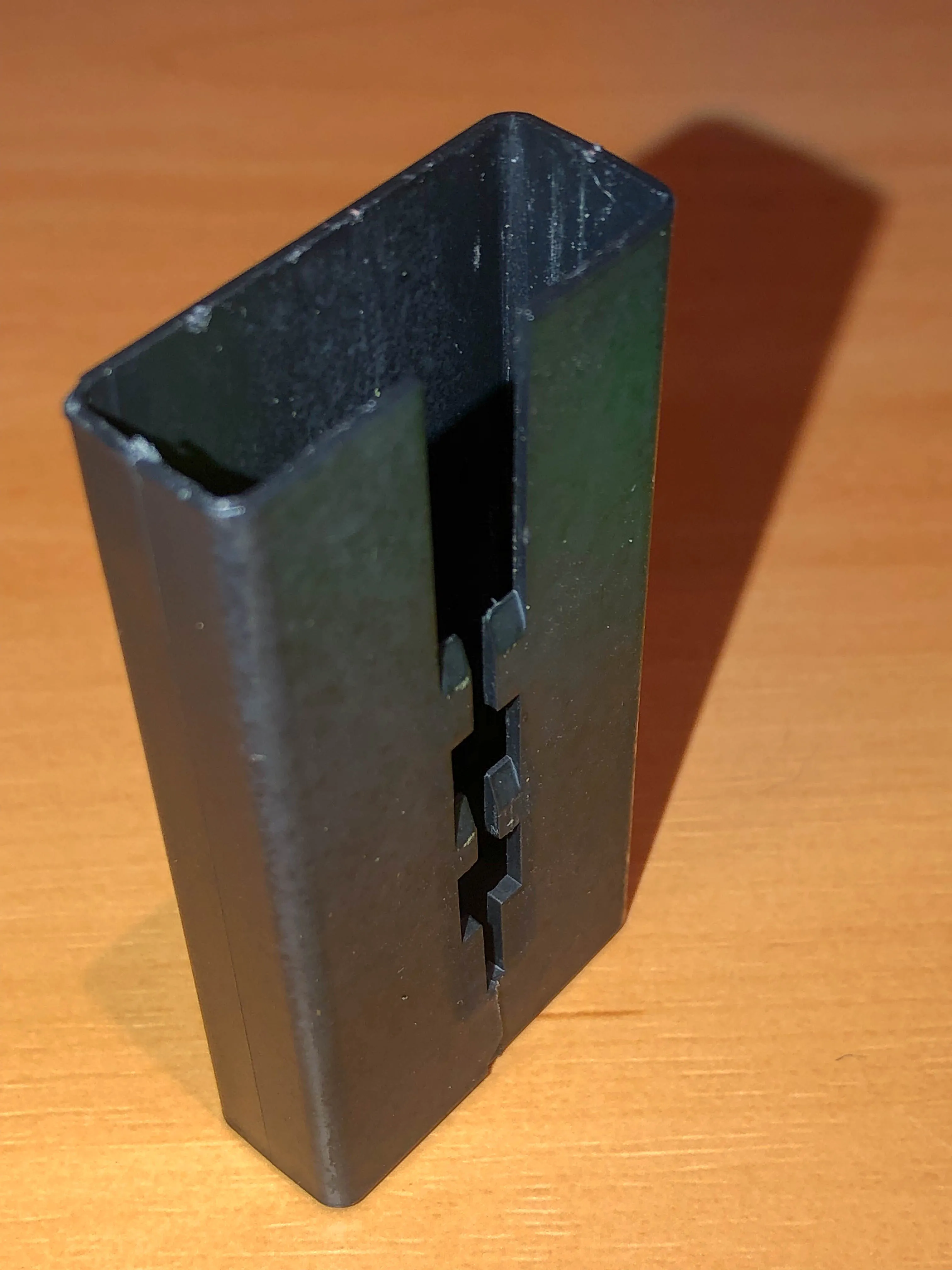
1 – cut the bottom end of the black plastic outer sleeve with a Stanley knife. The outer case will crack along this line (more or less). There is no obvious way to open this without cracking it. It’s not meant for disassembly.
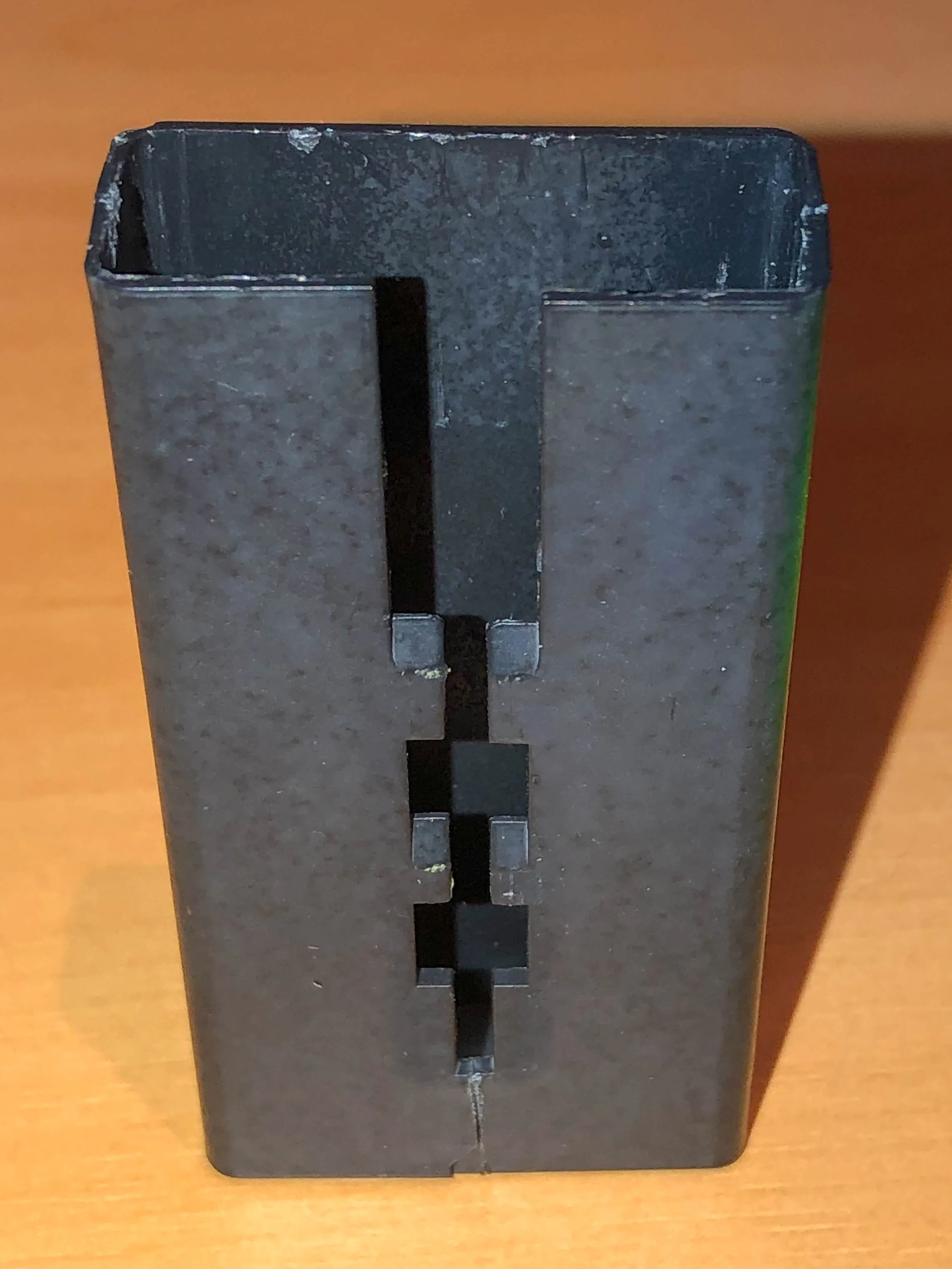
2 – Take a long thin blunt knife like a letter opener and use it to pry the little black lugs from the outer case from the green “Airstash” section. I inserted the letter opener at the front-top (USB end) of the Airstash and levered it against the green “Airstash” centre column. This cracked the base and then allowed me to lever the black tabs out of the locking grooves on the green inner case. Once this is done the green inner case slides out.
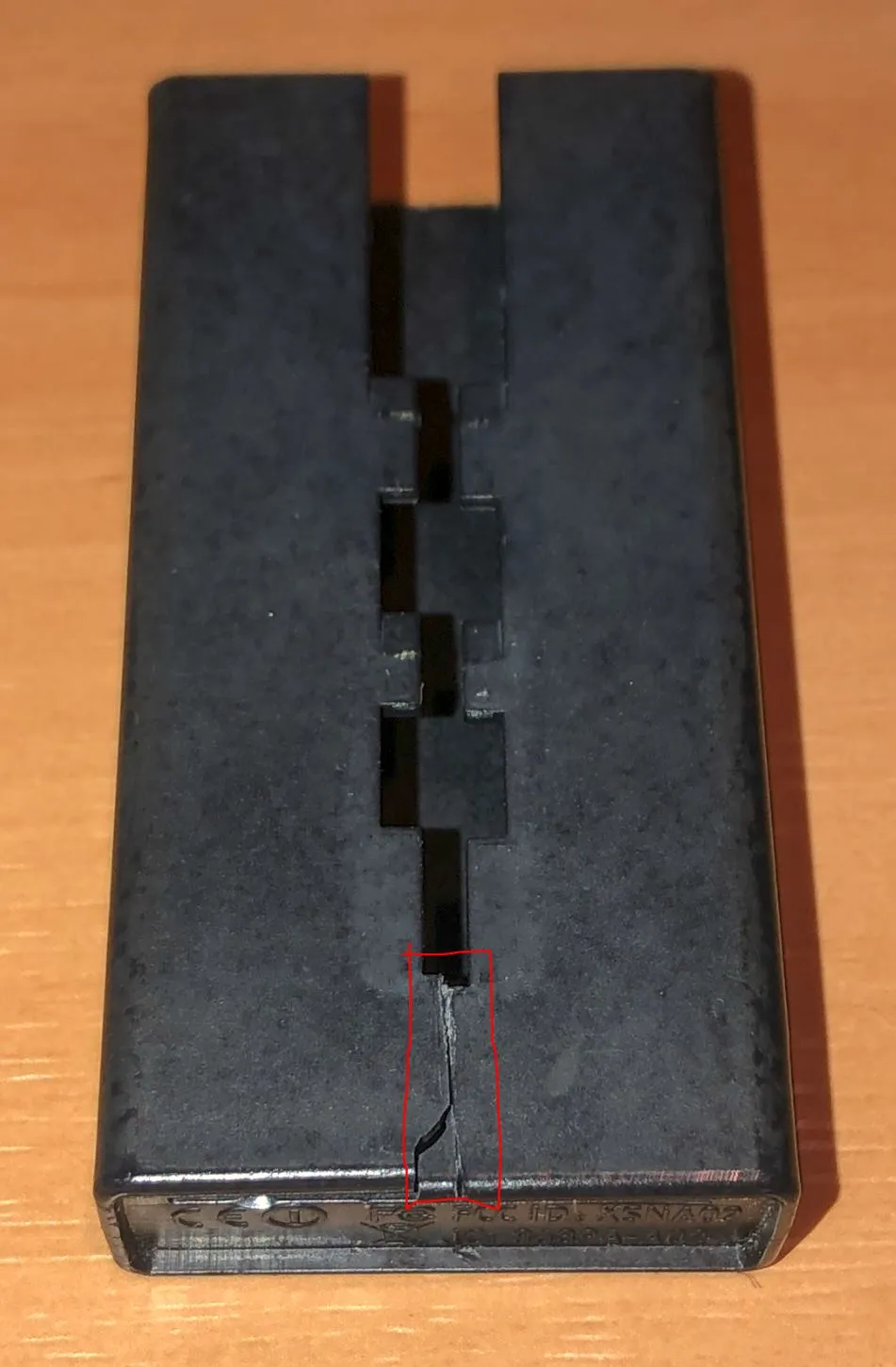
Other teardown photos:
-
-
-
-
-
-
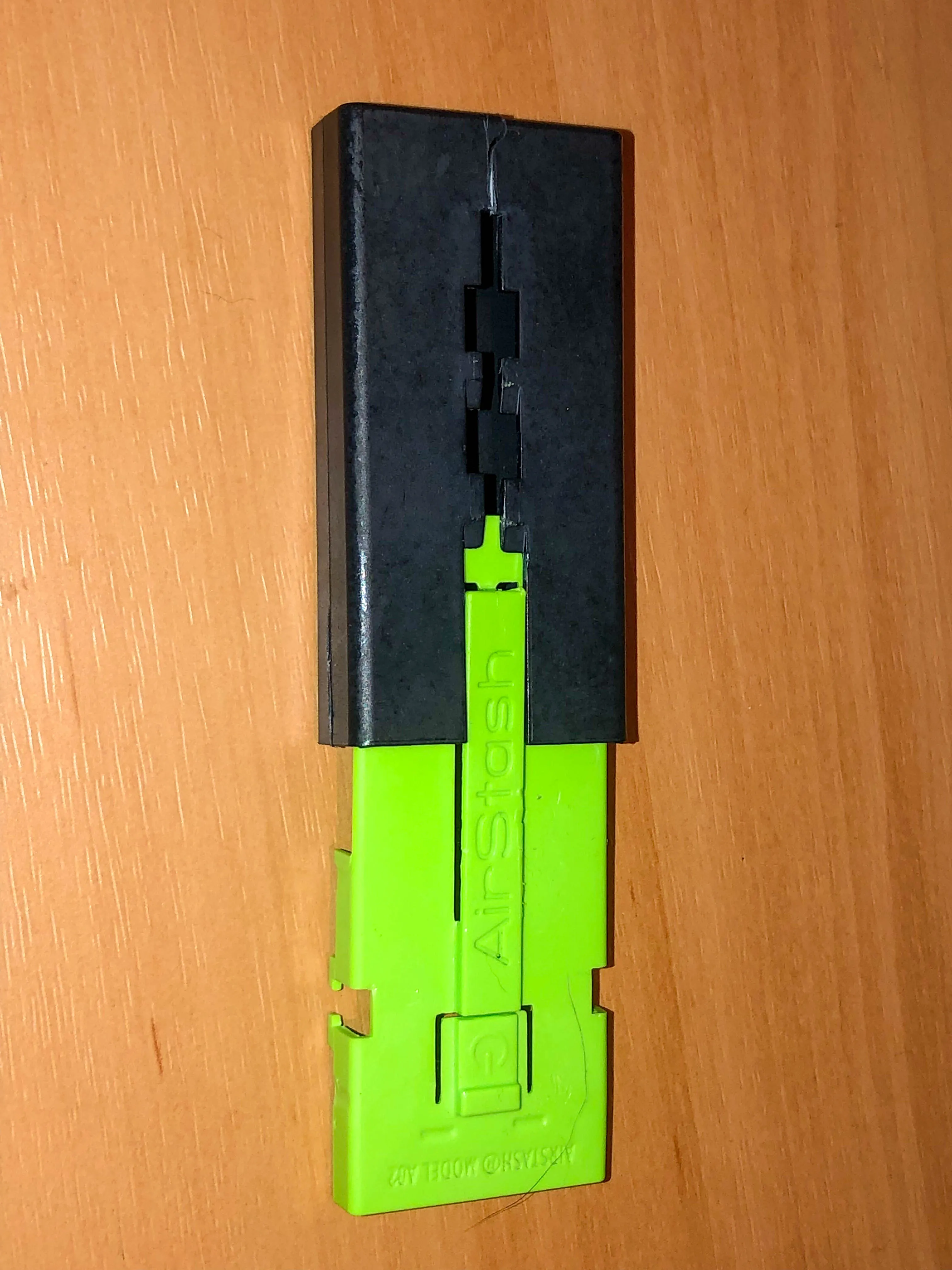
The green inner case slides into the black case and locks in place